Create your image
Colorimetrics, curves, LUT, Merge, transformations and effects assemble in the graph. Many operators evaluate on GPU to adjust the settings in the Viewer.
 SFUMIAAI and 3D creative pipeline
Compositing · Image & Precision
Assemble your passes, adjust your image and keep your hand on each treatment. Compositing, 3D and IA retouch share the same graph.
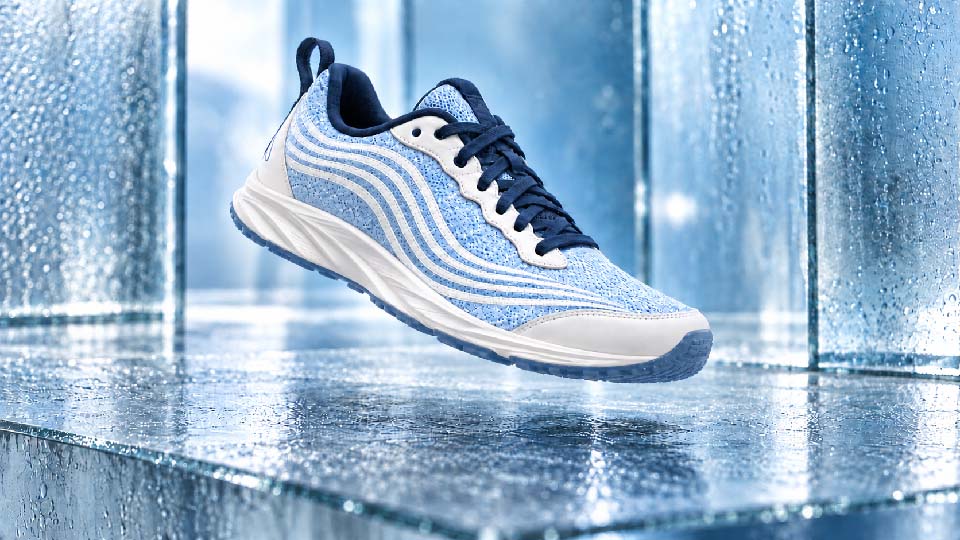
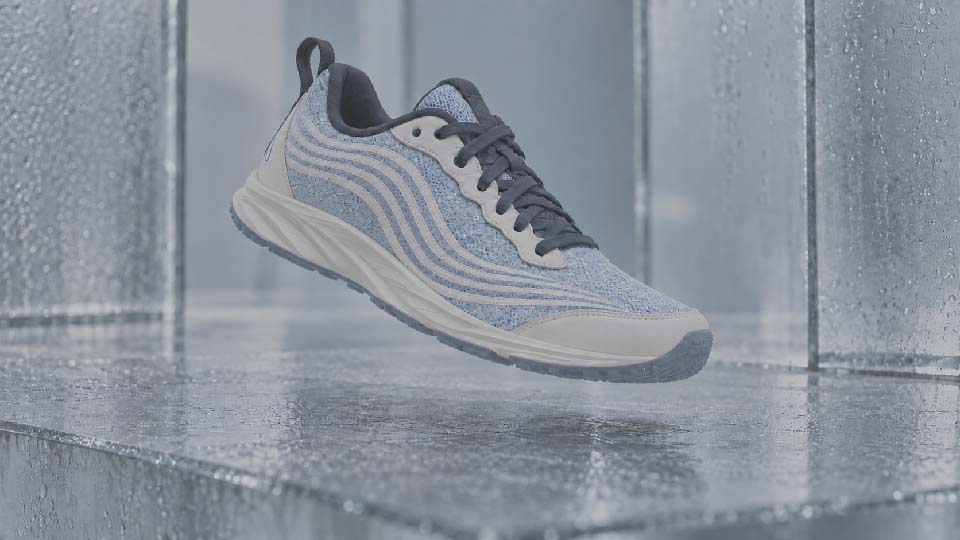 LOGHDR · 32 bits
Day to day
Combine sources, adjust colours and retouch part of the image in the same graph.
Colorimetrics, curves, LUT, Merge, transformations and effects assemble in the graph. Many operators evaluate on GPU to adjust the settings in the Viewer.
Find the layers and passes of your Blender renderings.The floating workflows allow you to work the light and the values of the image with a precision adapted to the 3D renderings.
The contextual retouch creates a branch from your image and your mask. Pince, rubber, rectangle and lasso allow you to target the area to take back.
From Pass to Image
Finish the masks, gather your items and compare the results. Treatments remain connected to the plan sources and their versions.


for your studio
SFUMIA is in beta version. Functions evolve with the returns of artists and production teams.
No. The comparison shows JPG previews of the LOG and HDR versions. In SFUMIA, EXR workflows use the high-precision sources in your project.
Adjust processing in the graph without overwriting the source. Save the result when you commit or export, using a format supported by that process.
The Pro plan includes 32-bit management and advanced EXR format. Team and Enterprise take these functions back for their teams. Check out the offers.
Yes. On a fixed image, the Viewer mask tools create a contextual retouch branch. The generation and its variants join the same graph.
Composite by SFUMIA
Combine your passes and compare versions before exporting the final image.