

Characterrig · v012Published
 SFUMIAAI and 3D creative pipeline
Create images and films, and keep track of production with your team.SFUMIA connects your 3D scenes, AI tools, editing and project tracking.
Create in Pipe 3D, track tasks in ProProd and talk with your team in TeamChat.
A 3D pipeline and a node canvas combining 171 catalogued node types, local generation, 32-bit compositing and video editing.
Explore → ▦Shots, tasks, reviews, timesheets and budgets, connected to projects and pipeline outputs.
Explore → ✦Project channels, messaging and file sharing hosted directly on your PC or server.
Explore →For your confidential projects, run your processing on your own hardware. Your media remains on the studio infrastructure, without sending to a Cloud provider. Install your packages from the SFUMIA manager and use a ComfyUI gateway according to your needs.
Available models and their performance depend on your computer. Some processes require substantial memory and a powerful graphics card.
Access Cloud models directly from SFUMIA, without installing modules or subscribing to providers. Pay only for what you use and track your budget in ProProd. Before each process, you see its price and explicitly choose to send the required media.
Blender, Maya, Cinema 4D: organize your files, share references across scenes and track progress from the first version to publish.
Learn more →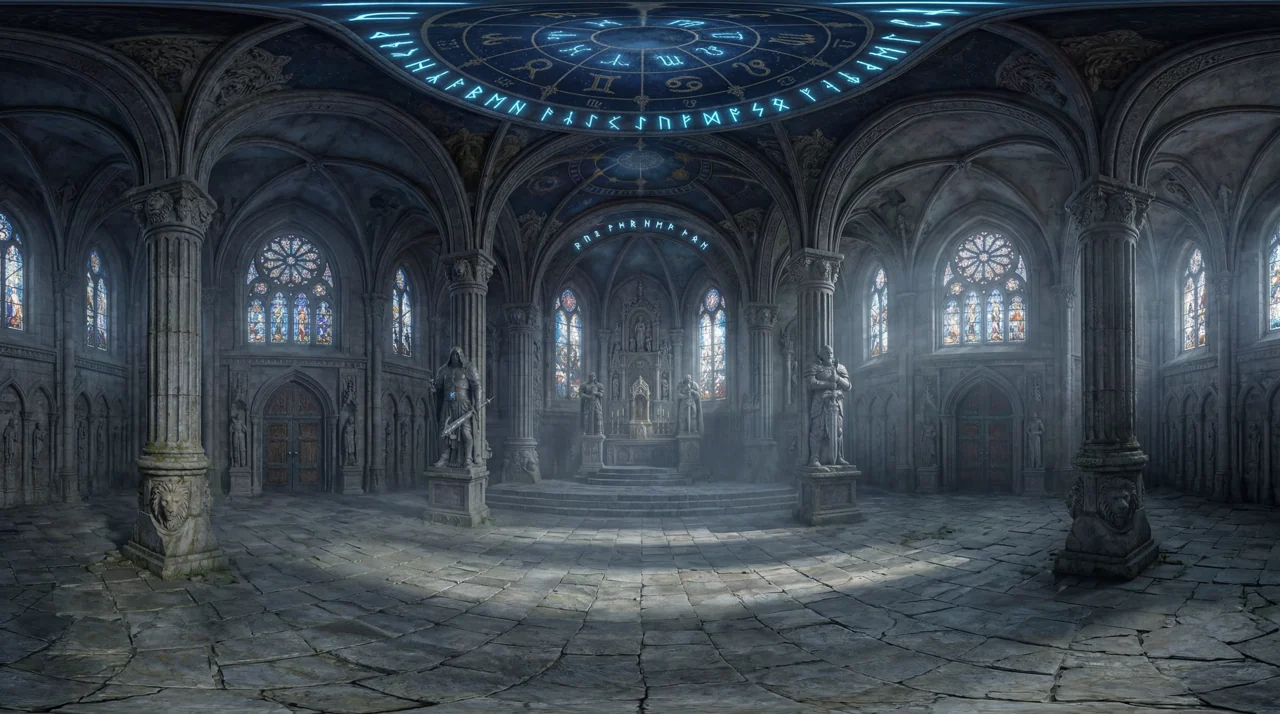
… across hundreds of layouts
Connect scenes and reuse assets across your shots. In Blender, collections stay linked with Link.
See what is in progress, in review or complete, directly in the pipeline.
Keep your work history and publish the version to pass on to downstream scenes.
A version saves a stage of your work. Publishing chooses what feeds the next scenes. Keep experimenting without immediately replacing the work your team uses.
Your files and their history stay on your PC, NAS or studio server.
HDRI environments, HDR conversion and mesh generation: new starting points for your scenes and assets.
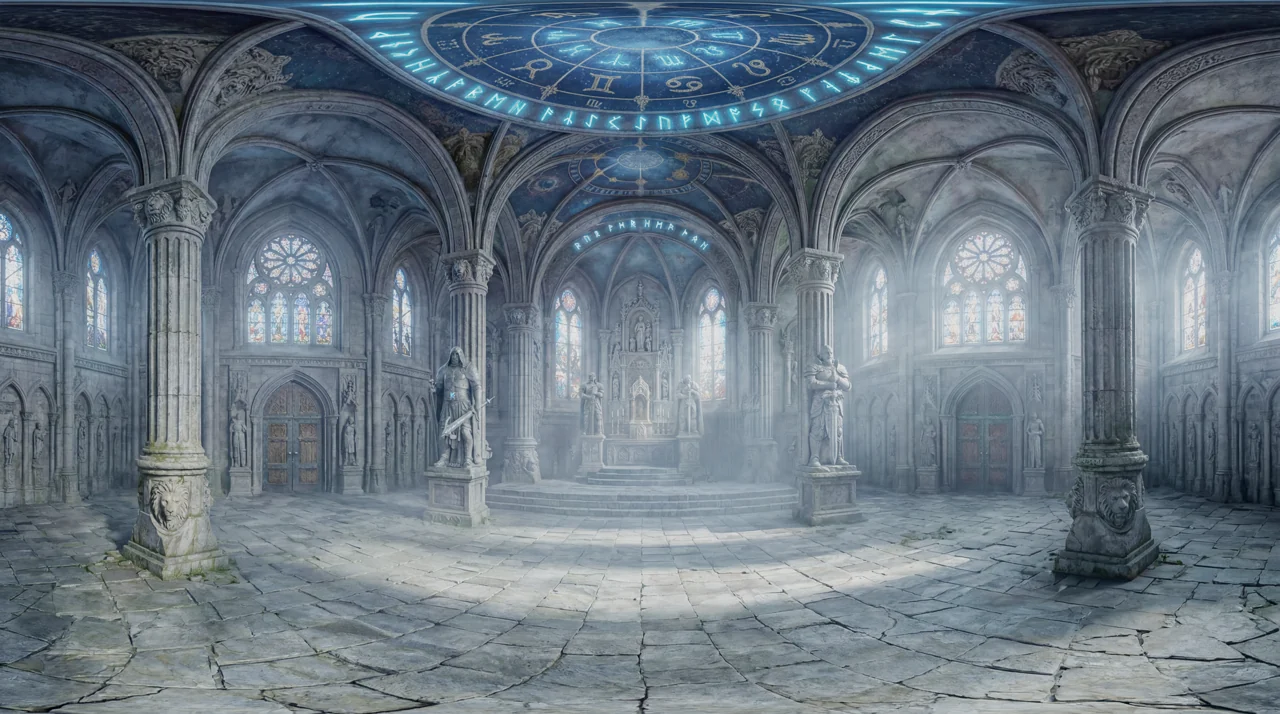
Generate an HDRI environment from a regular image, then convert it from LDR to HDR to prepare the lighting and rendering of your scene.
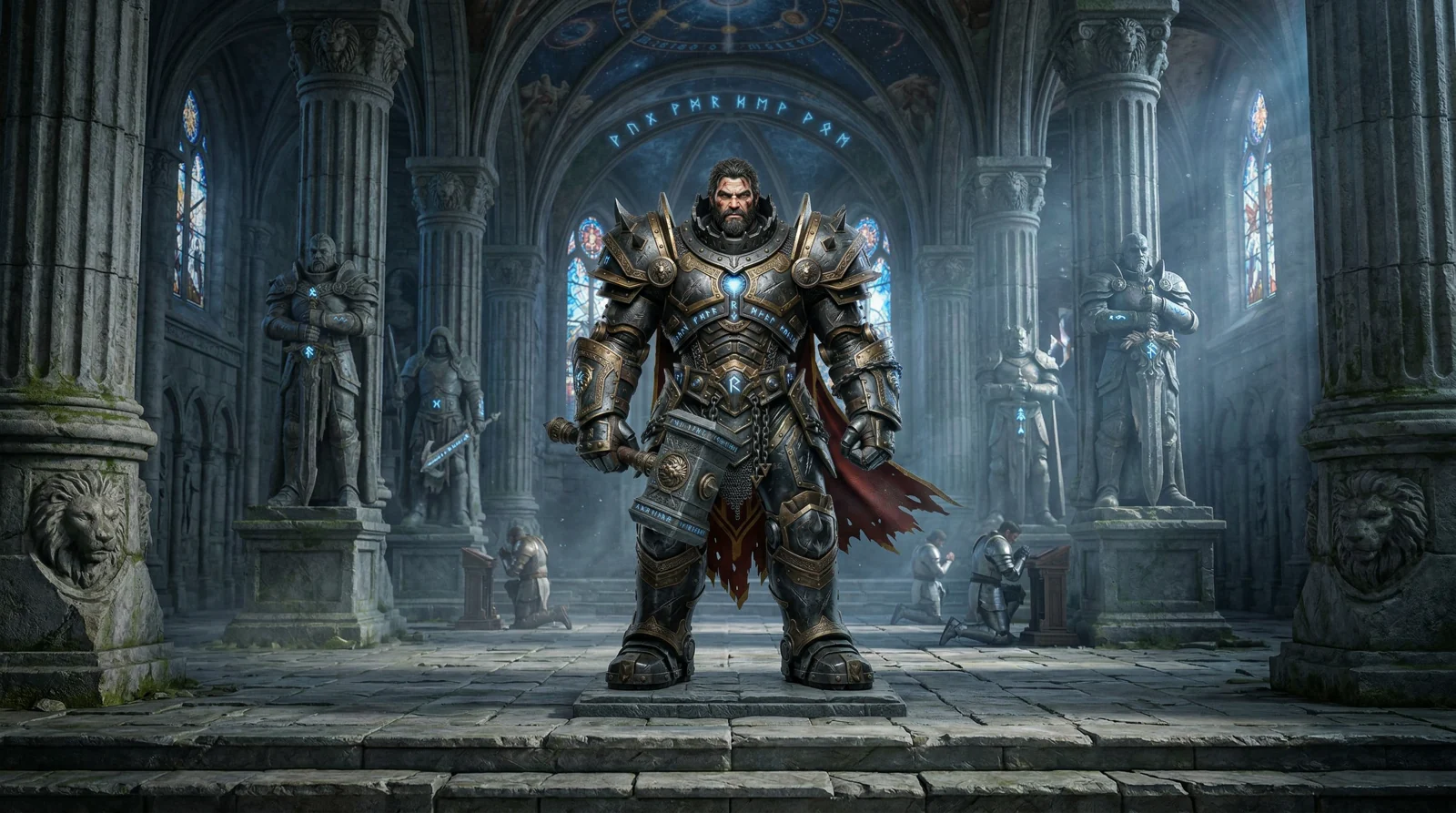
Keep the reference in view, automatically turn it into a high-quality 3D model, then refine, rig and animate your character in Blender. Publish the version ready for the next stage of the pipeline.
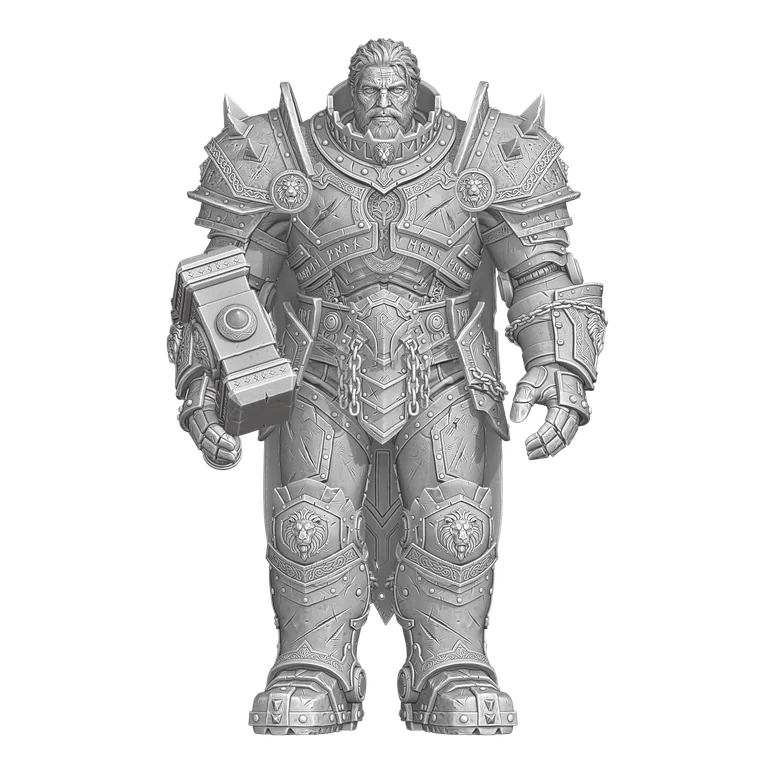
Drag: rotate and move up/down · Scroll: zoom · Middle-drag: pan · Double-click: reset
Choose a model from the catalogue. SFUMIA shows whether it runs on your computer or in the Cloud. Install local models through the SFUMIA manager and connect ComfyUI if needed. Cloud nodes need no additional module.Third-party models in the Cloud: No additional subscription.
Pay only for what you use.
Your files and Cloud processing
With local processing, your files stay on your hardware. For available Cloud features, images and videos travel directly between your computer and the AI provider, without being relayed through or stored on SFUMIA servers.
Assign a status to each node: ProProd updates automatically. Annotate images and share review feedback in the same place.
CANVAS / DANSE



| Shot | Artist | Version | Status |
|---|---|---|---|
| SH010Suspension | Stéphanie | v004 | In progressIn reviewApprovedChanges needed |
| SH020Rotation | Ludovic | v003 | In progressIn reviewApprovedChanges needed |
| SH030Walk | Stéphanie | v002 | In progressIn reviewApprovedChanges needed |
Brighten the face.Relax the wrist.
Find shots, tasks, feedback, timesheets and budgets in ProProd, linked to the work in your pipeline.
| Name | Progress | and seq. | AI concept | Decorated 3D | Animation | Render | Comp |
|---|---|---|---|---|---|---|---|
SH010 |
70% 3/5 tasks |
Act 1 | Donev3LH | Donev2MD | WIPv1JK | Reviewv1PA | ▦Todo |
SH020 |
40% 2/5 tasks |
Act 1 | Donev2SL | WIPv1MD | Retakev2JK | ▦Todo | ▦Todo |
SH030 |
90% 5/5 tasks |
Act 2 | Donev4LH | Donev3MD | Donev2JK | Donev2PA | WIPv1SL |

Messages, files and project discussions, hosted directly on your PC or server.
Ludovic, what do you think of these keyframes?




Looks good! Can you send me the direct link in Pipe, please?
Here it is:
From canvas to timeline, assemble your shots in the same project. Fine-tune frame-accurate cuts, add titles and shape the sound to set the pace of your film.
Video, images, titles and audio on one timeline.
Move, slip and roll edits in steps of 1 or 5 frames.
Volume, fades, opacity and speed for each clip.
 T-Rex / Aperçu du film
A non-destructive graph, an interactive GPU viewer and high-precision EXR workflows.

 LOGHDR · 32 bits
SFUMIA is in beta version : features improve with your feedback, and bugs may remain. During this phase, Individual Pro and Team subscriptions receive launch prices during beta.
19,90 EURStandard price after beta · per month, tax included
Equivalent to 191,04 EUR per year, tax included
Invoiced at a time · View unavailable for purchase
249 EURStandard price after beta · per month, tax included
Equivalent to 2 390,40 EUR per year, tax included
Invoiced at a time · View unavailable for purchase
We adapt SFUMIA to your company’s tools, hardware and working methods.
Buy the credits you need and use them for the jobs you run. Cloud models are built into SFUMIA: no extra modules, no provider subscriptions and no mandatory monthly credit package.
Identity and age, verified together
Buying credits and using Cloud AI models is reserved for people aged 18 and over. A Stripe verification checks your identity and confirms that you are an adult, starting with your first purchase. Each team member completes their own verification.
A clear production budget. See the price before each job. Cloud credits are purchased and invoiced in euros, independently of your subscription currency.
Local nodes use your hardware. They do not send their inputs to a Cloud provider.
Images and videos are transferred between your computer and the AI provider. SFUMIA servers neither store nor relay these files.
Check and confirm the price before each Cloud job. Cloud rates are the same on every plan. Cloud credits are purchased separately; no credits are included in your subscription.
A click on Download for free It automatically starts the download of the available Windows version and displays the installation information. The Free Offer does not require any paid subscription. The Pro and Team subscriptions add the features suitable for teamwork.
Individual Pro and Team subscriptions receive The beta launch rate, at the prices shown. Each plan shows its standard price after beta. We will notify you in advance about the end of beta, the move to standard pricing and how to cancel. Free remains subscription-free; Enterprise has custom pricing. Cloud credits are purchased separately and are not discounted.
SFUMIA evolves with your feedback: some functions improve over the course of versions and bugs can remain. Your feedback helps to stabilize the software and guide improvements.
Third-party Cloud models require no additional provider subscriptionYou pay for use with Cloud credits purchased separately. The price is presented before each processing and you confirm it before launching. The Cloud rate is common to all SFUMIA packages.
Yes. The same Stripe flow verifies your identity and confirms that you are 18 or over, before any credit purchase and for each person starting a Cloud generation. This verification remains valid for subsequent purchases and different Cloud models, unless an additional risk check is needed. SFUMIA keeps the adult-status result without storing your date of birth or photos of your documents. Local features do not require this verification.
No. Local processing keeps files on your hardware. For available Cloud features, the software exchanges media directly with the AI provider, which processes it under its terms. SFUMIA coordinates the request and billing using text, parameters, temporary references and job status, without hosting the files. Choose local processing for projects that must stay entirely within your studio.
Yes. Throughout the beta, Free plan users can ask questions, share feedback and join the community on the forum. A separate forum account is required. Private team areas remain restricted to their members.
Beta version · Cloud credits charged separately.
